Notes by Andrew Noblet
Content-Driven Navigation: Improving the User Experience
Best practices for structuring content and navigation to support overview detail patterns and hierarchical linking.
· AI-assisted article
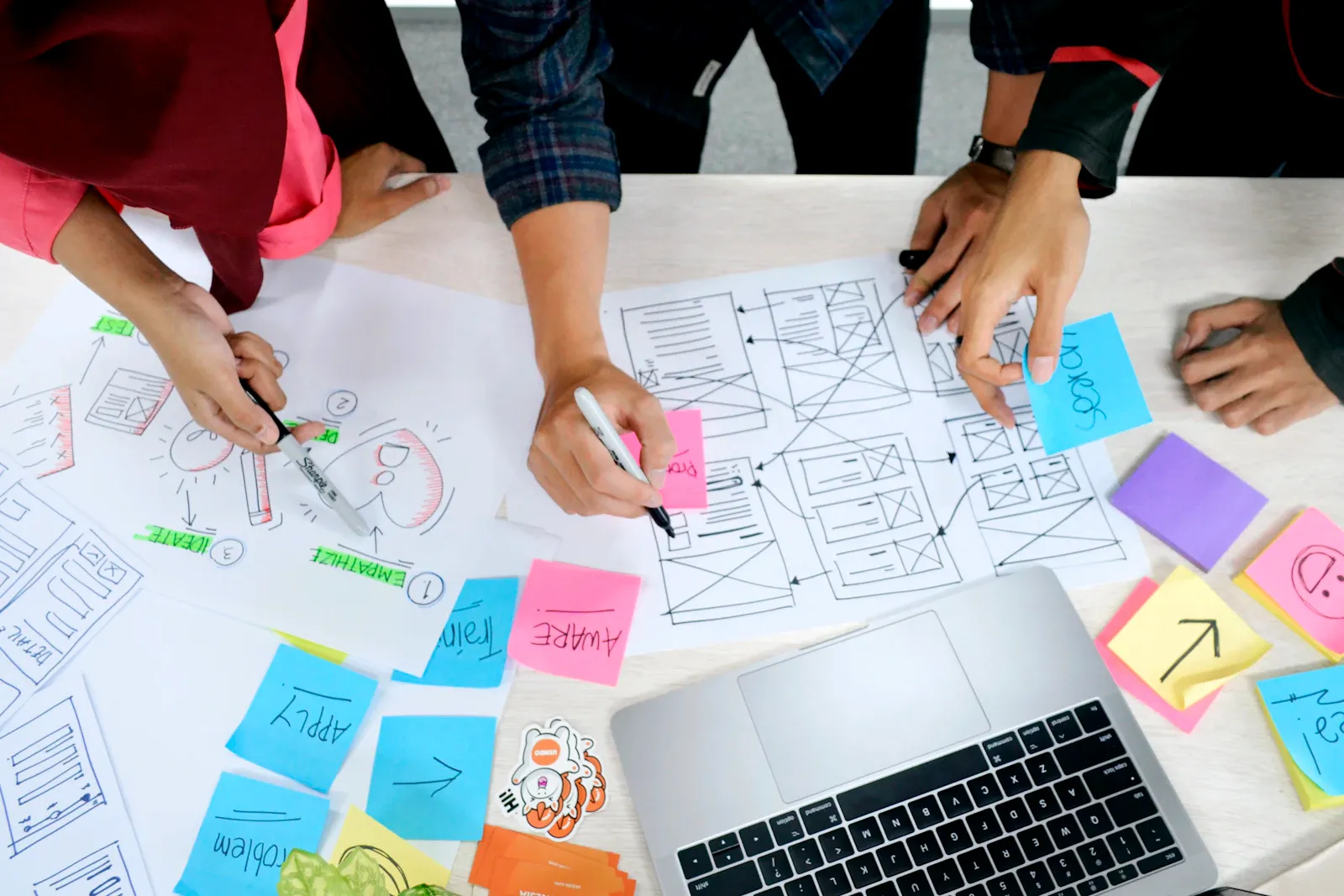
Navigation is the backbone of user experience. Here are best practices and actionable steps:
- Key Concepts:
- Overview + detail pattern: Start with broad topics, link to detailed sub-pages.
- Hierarchical structure: Organize content into categories and subcategories.
- Contextual linking: Provide links within content to related topics.
- Breadcrumbs: Show users their location in the site hierarchy.
Strategies for Effective Navigation
- Map out content relationships with diagrams or spreadsheets.
- Use clear labels and descriptions.
- Prioritize important content in menus.
- Test navigation with real users.
- Optimize for mobile devices with responsive layouts.
Implementation Guide
- Audit existing navigation for gaps and redundancies.
- Design overview pages for major topics.
- Build hierarchical menus by category and subcategory.
- Add contextual links within content.
- Implement breadcrumbs on sub-pages.
- Test and iterate using feedback and analytics.
Common Pitfalls
- Overcomplicated menus: Keep menus focused and prioritize important links.
- Inconsistent structure: Maintain consistency in labels and layout.
- Neglecting mobile navigation: Test and optimize for touch.
Real-World Examples
- Educational platform: Overview pages and breadcrumbs for easy navigation.
- E-commerce store: Organized products by category, contextual links to related items.
- SaaS dashboard: Hierarchical menus and overview pages for modules.
Actionable Steps
- Audit your navigation for improvement opportunities.
- Design overview pages and hierarchical menus.
- Add contextual links and breadcrumbs.
- Test and iterate navigation design.
Business Outcomes
- Improved UX
- Increased engagement
- Easier content discovery
Content-driven navigation is essential for great UX. Map relationships, design overview pages, and implement hierarchical menus for a seamless experience.